Quickstart: your first 15 minutes
Seven steps from sign-up to your AI agent answering a real customer, in order, with what to check after each one.
Last updated October 12, 2026
On this page
- 1. Create your account (1 minute)
- 2. Tell Waslo about your business (1 minute)
- 3. Connect your first channel (2 minutes)
- 4. Give your agent its facts (5 minutes)
- 5. Test it in the sandbox (3 minutes)
- 6. Choose where alerts reach you (1 minute)
- 7. Send yourself a real message (2 minutes)
- What it costs from here
- Next steps
Follow these steps in order. Each one ends with a check, so you know it worked before you move on. You can stop after any step: the dashboard remembers what is still missing.
What you need: your phone with WhatsApp (or access to the Instagram, Messenger, Telegram or Outlook account you want to connect), and one document that answers your customers' usual questions: a price list, a services page, an FAQ.
1. Create your account (1 minute)
- Go to waslo.io/sign-up. With Google it is one click and there is no email to confirm.
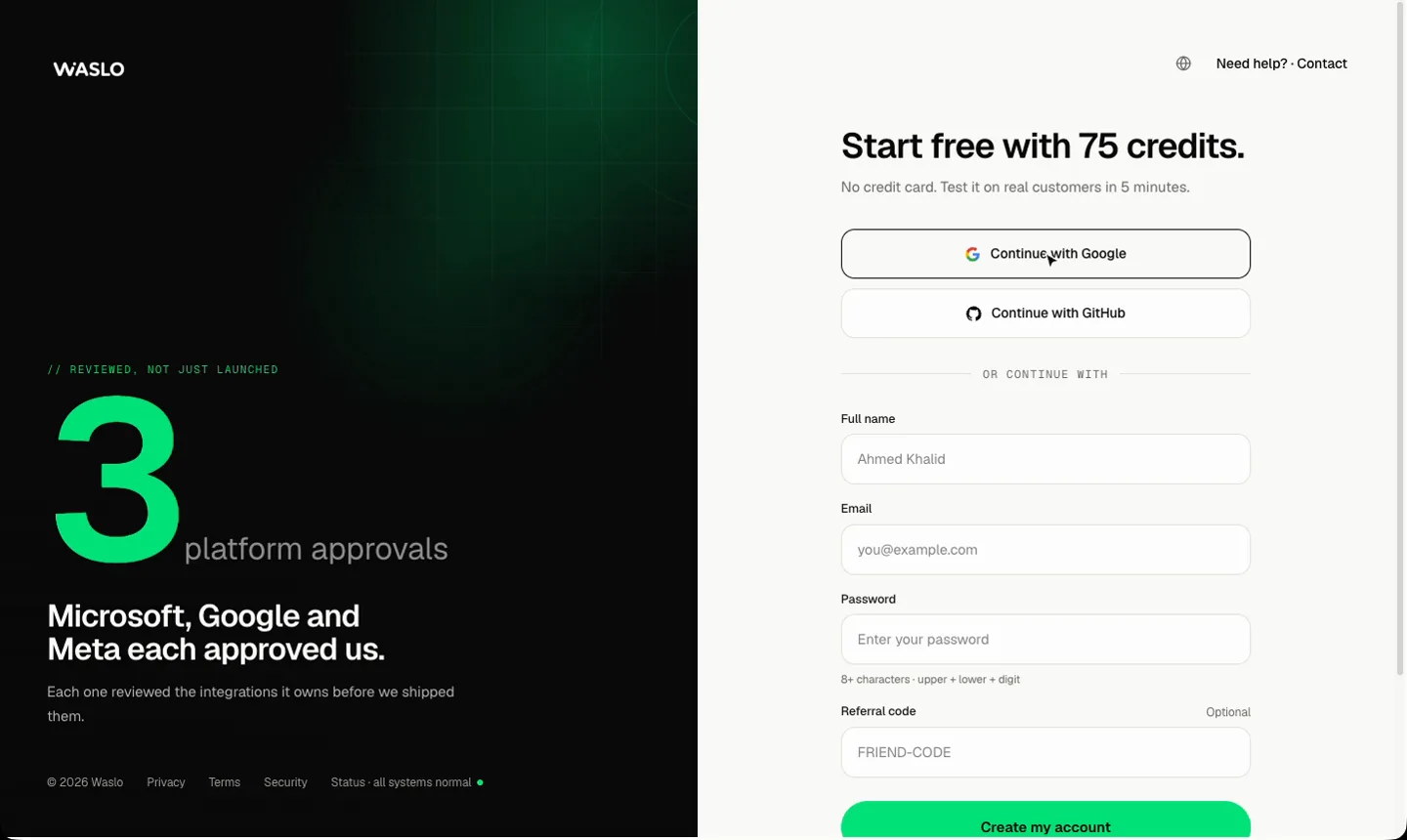
- Or enter your name, email and a password (at least 8 characters with an uppercase letter, a lowercase letter and a number). The invitation code field is optional; leave it empty.
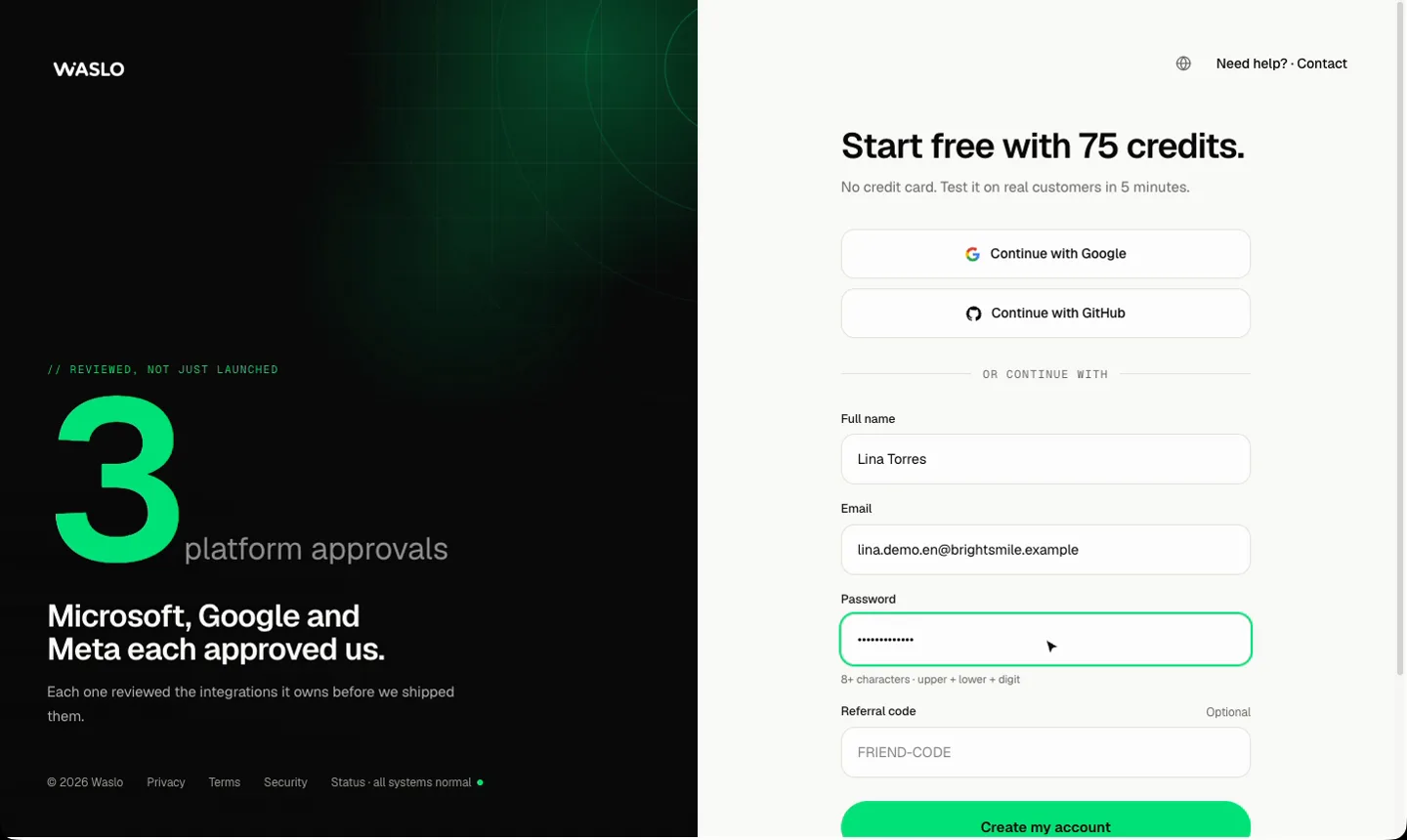
- If you used email, open the verification link we send you (check spam too), then sign in.
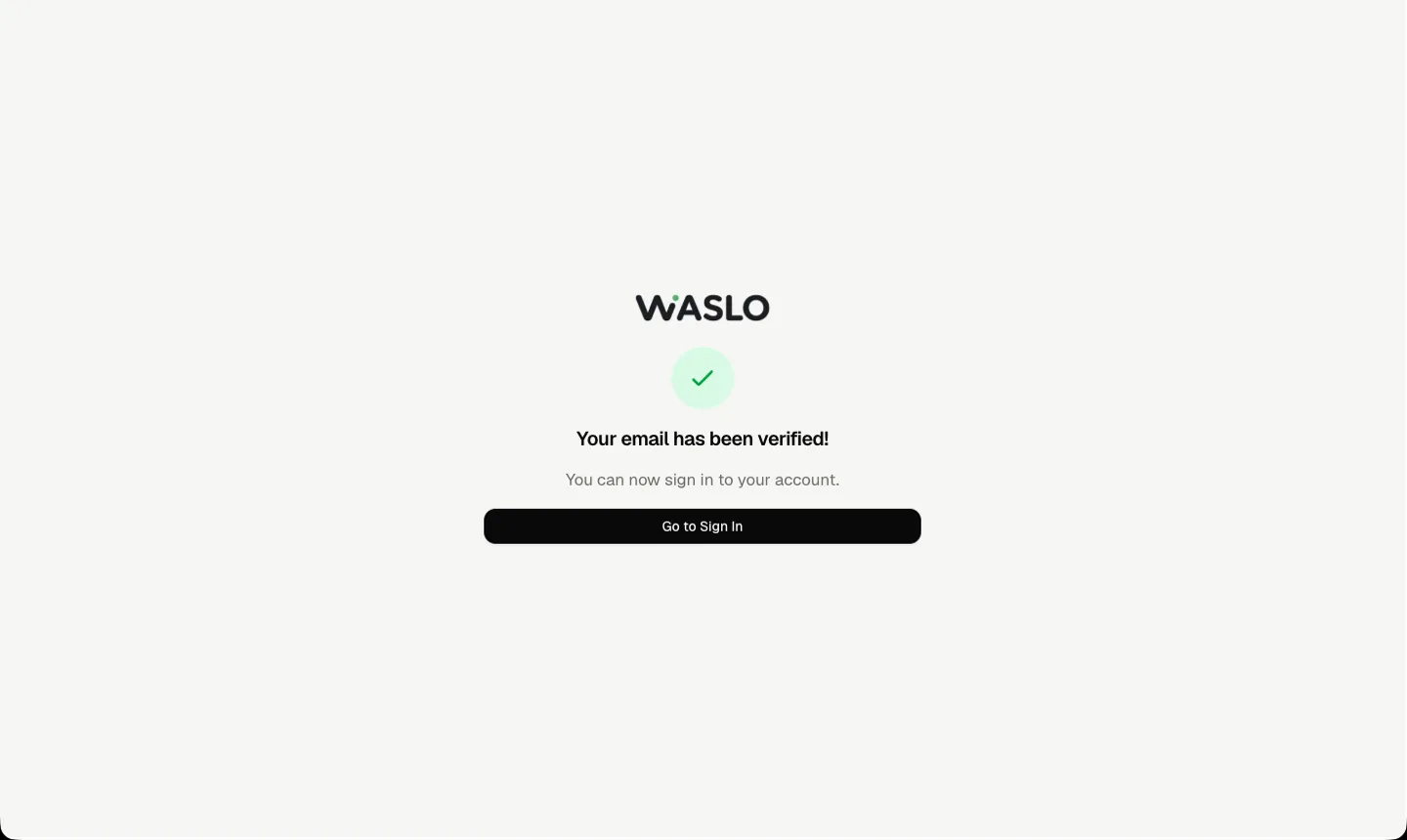
Check: you land in the setup wizard. Your workspace already holds 75 free credits. No card is needed.
2. Tell Waslo about your business (1 minute)
The first wizard step asks your industry and what the agent should do first: book appointments, sell products, sort your leads, handle support questions and more. Waslo picks a starting prompt for your industry from that.
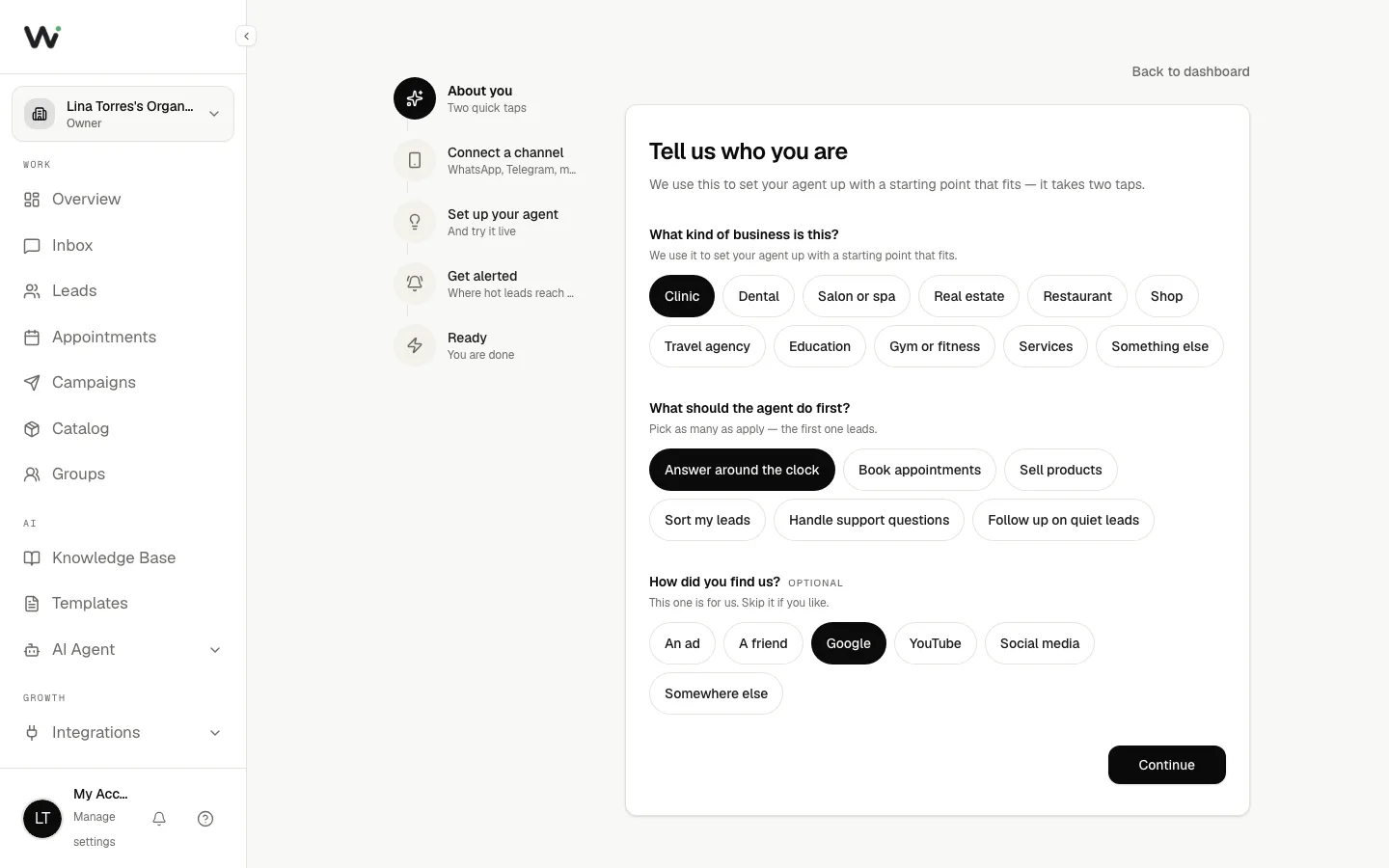
Check: the next step shows the channels you can connect.
3. Connect your first channel (2 minutes)
Most businesses start with WhatsApp:
- Choose WhatsApp and wait for the QR code.
- On your phone, open WhatsApp → Settings → Linked Devices → Link a Device.
- Scan the code.
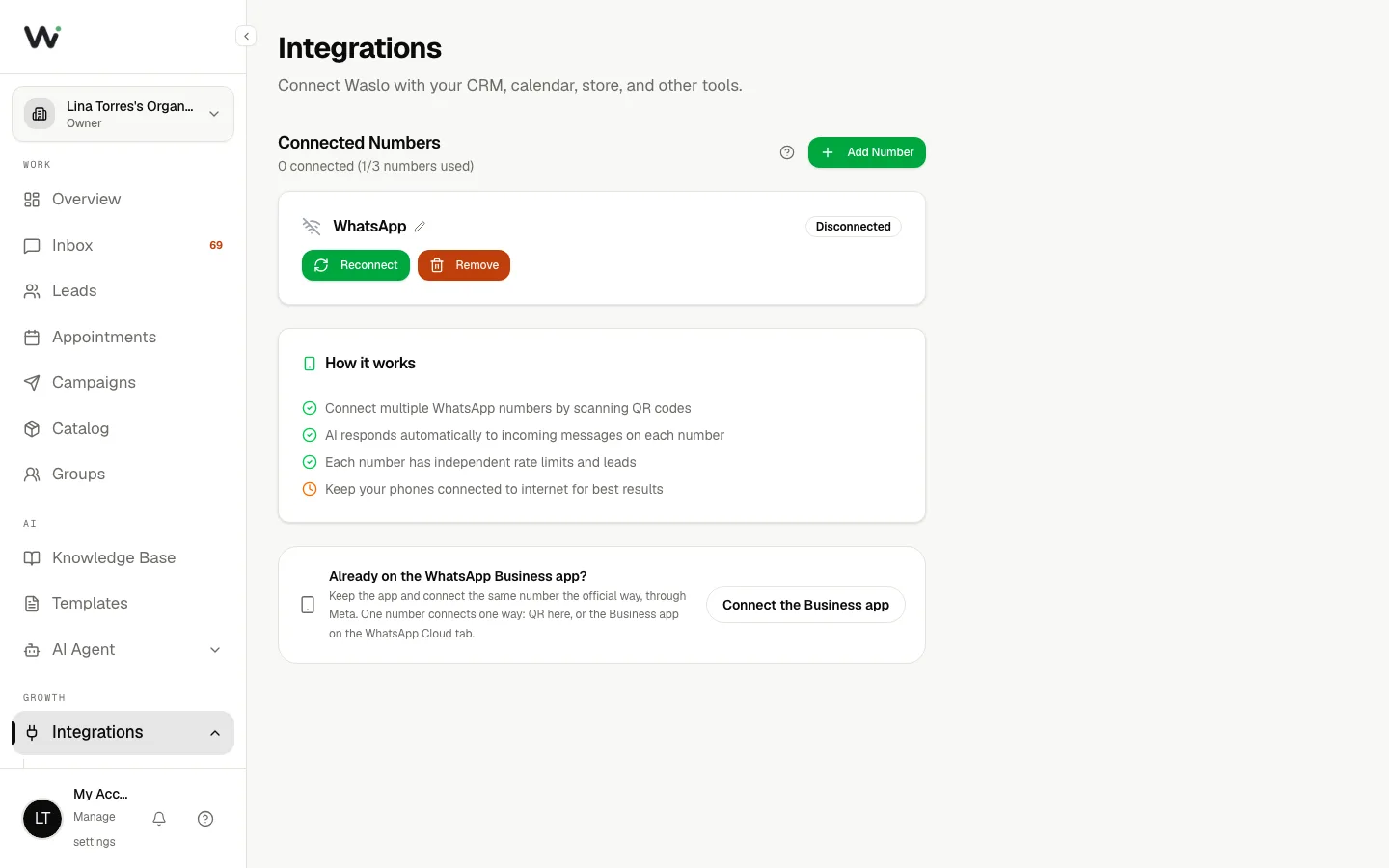
Check: the number card says Connected. A large account first shows Syncing with WhatsApp; leave the phone linked until that clears. Instagram, Messenger, Telegram, Outlook and the website chat widget connect from the same step. See Connecting channels.
4. Give your agent its facts (5 minutes)
This is the step that decides how good the answers are.
- Prompt. The starting prompt has blanks in square brackets, such as your business name and opening hours. Fill every one; Waslo will not save a prompt that still has a blank in it, because the agent would otherwise invent the answer.
- Knowledge base. Upload your price list, menu, services page or FAQ (PDF, Word, text or CSV). Waslo reads it and answers from it. See Knowledge base.
- Catalog (optional). If you sell products, add them with prices and photos so the agent can send them. See Product catalog.
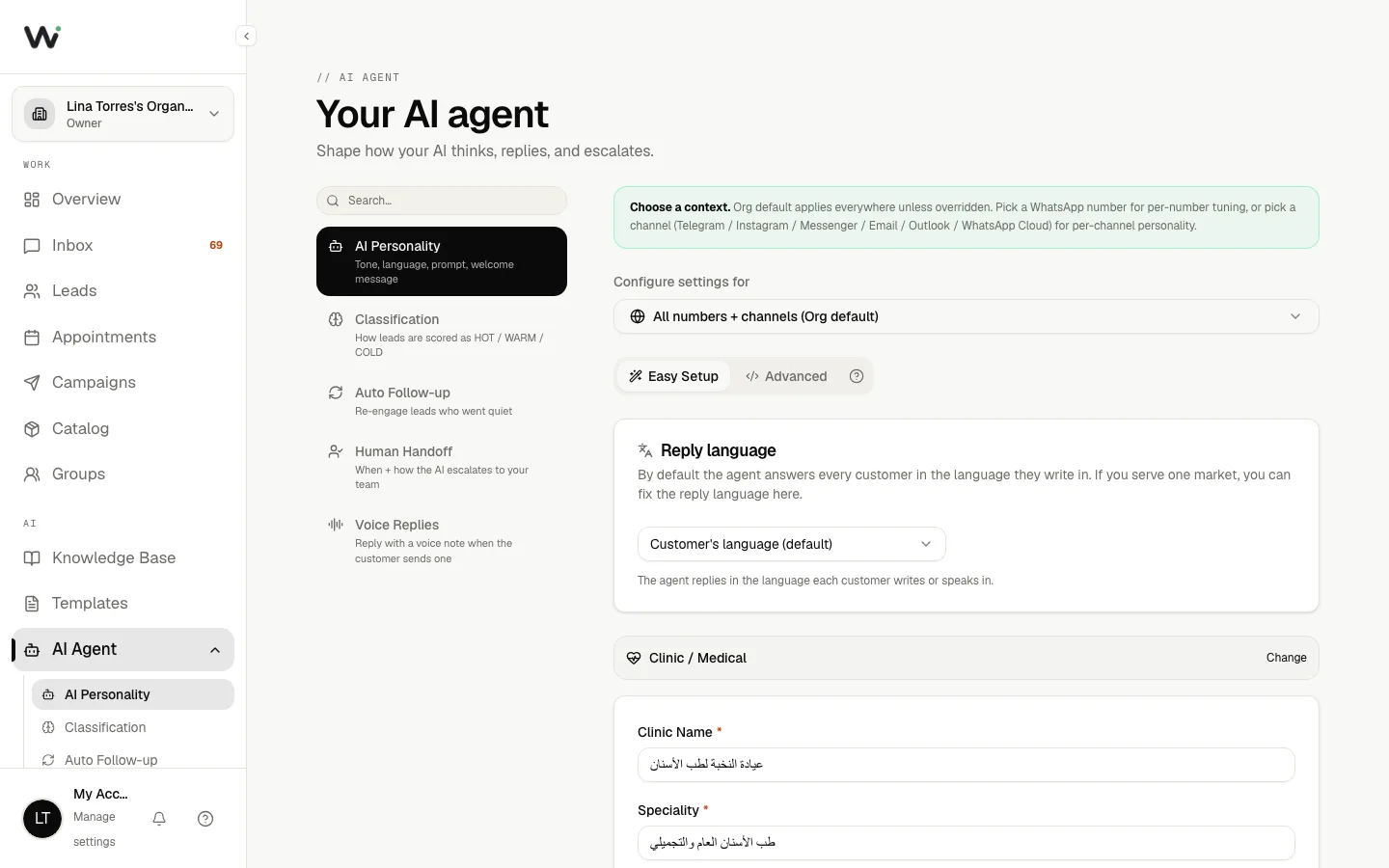
Check: the knowledge base shows your document as Ready.
5. Test it in the sandbox (3 minutes)
Beside your setup there is a live sandbox. Ask it what your customers ask:
- "How much is …?"
- "Are you open on Friday?"
- A question your document does not answer.
The last one matters most: a good agent says it will check with the team instead of guessing. If an answer is wrong, fix the prompt or the document, not the question.
Check: three test questions answered correctly.
6. Choose where alerts reach you (1 minute)
Pick where Waslo tells you about a hot lead or a customer asking for a person: email, WhatsApp or Telegram. See Operator alerts.
Check: the wizard's last screen lists what is set up and what is still missing.
7. Send yourself a real message (2 minutes)
From a different phone, message the number you connected the way a customer would. Then open Inbox in the dashboard.
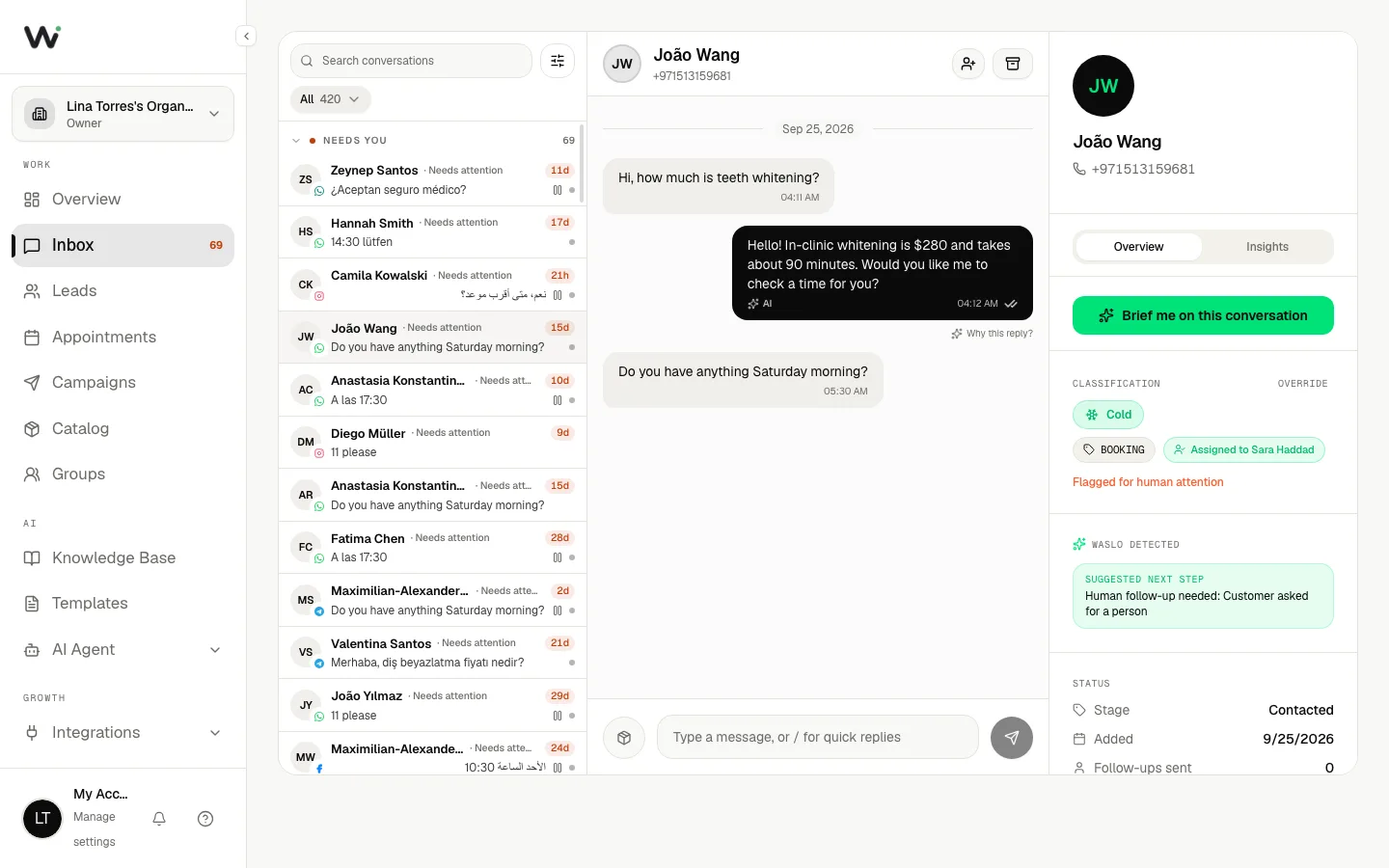
Check: the conversation appears with the agent's reply. Click Why this reply? under the answer to see which document it used. See Why this reply?.
What it costs from here
On pay-as-you-go a text reply costs 1 credit (2 once a product catalog or calendar is on), so your 75 free credits cover about 75 replies, or about 37 with a catalog or calendar. When you are ready, buy a credit pack, or move to Growth for unlimited replies. See Billing and plans.
Next steps
- Hand a conversation to a person when the customer asks for one
- Leads and classification: which conversations are hot
- Industry playbooks: ready-made setups for clinics, real estate, restaurants, salons, gyms and hotels