Waslo for Android Is Here: Run Your AI Agent From Your Phone
The Waslo Android app is live on Google Play. Set up your AI agent, connect channels, get alerts and step into customer conversations from your phone.

Key takeaways
- Waslo for Android is available now on Google Play and works on Android 8 or newer.
- You can create a workspace, set up the agent and connect your channels from the phone.
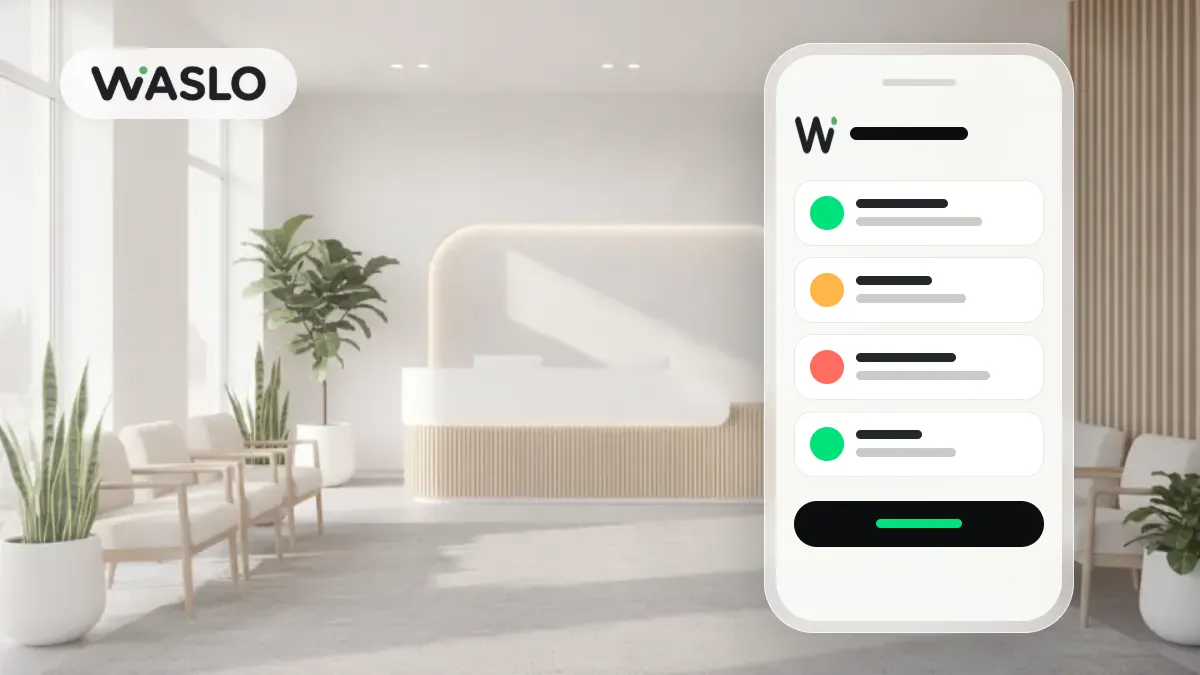
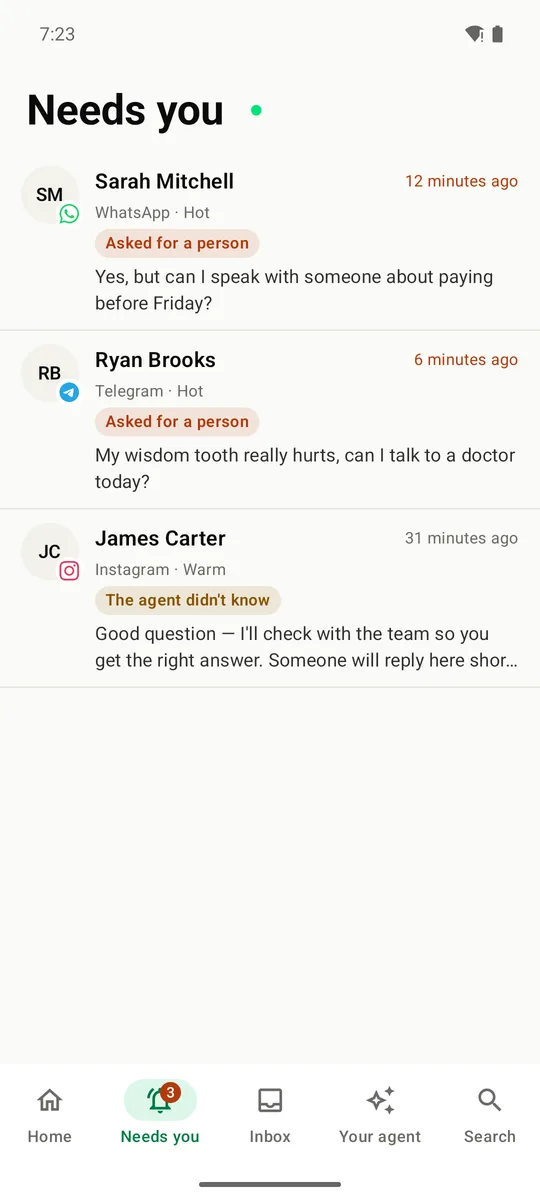
- Needs you lists every conversation waiting for a person, with the reason and the waiting time.
- Choose which alerts reach you, and set quiet hours for your evenings.
- Take over a conversation, reply, then hand it back to the agent.
- Invite your team with no seat limit. Each person uses their own account and sees the customers assigned to them.
An AI agent handles most conversations without you. It answers the price question, shares the product and books the appointment. The moments it cannot handle alone are the ones you do not want to miss, and they rarely wait until you are at your desk.
Today, Waslo for Android is available on Google Play.
Start from your phone
You do not need a computer to begin. Sign up with Google or your email, choose your type of business, and the agent starts from a template for it, in your language.
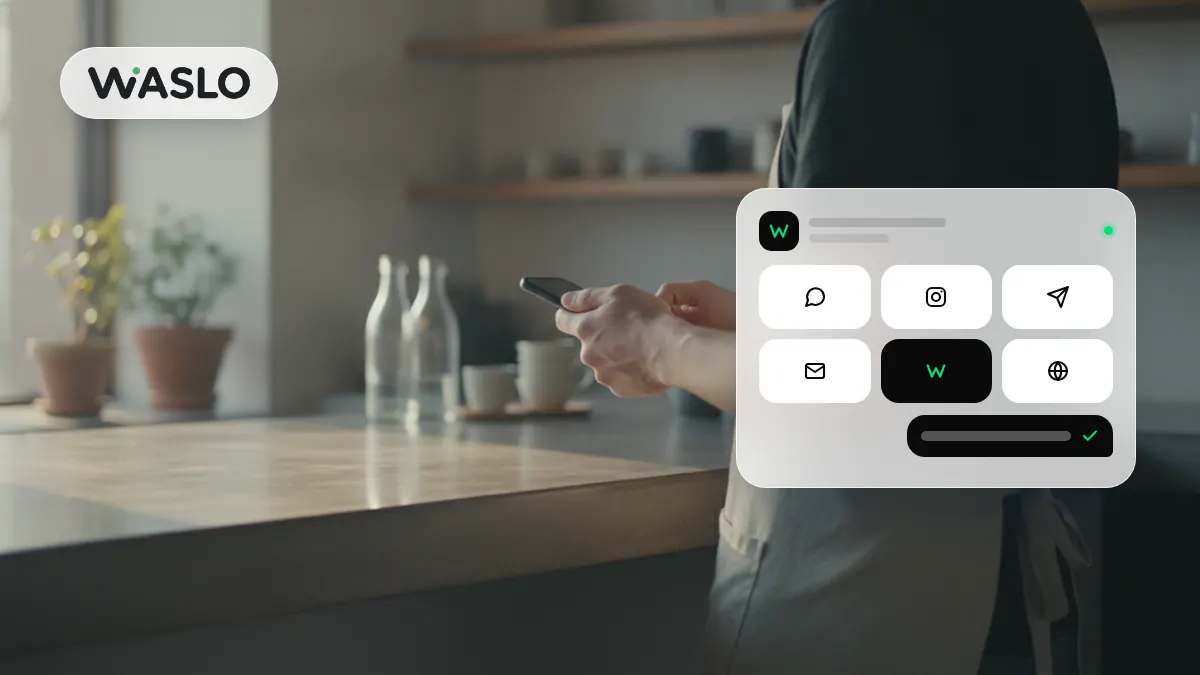
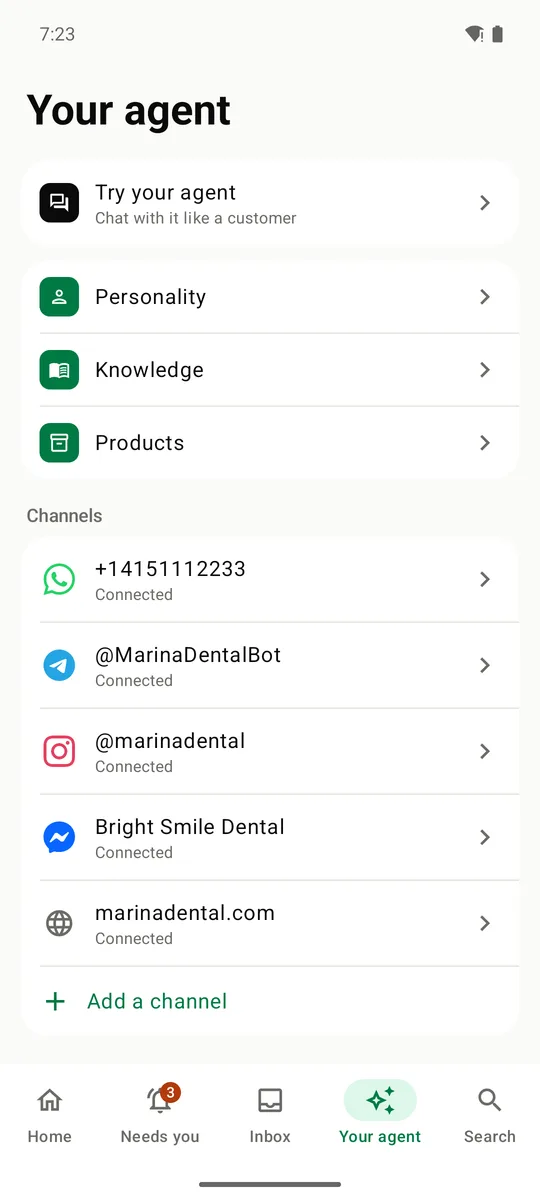
From there, tell it about your business. Add a document or your website so it can answer from your real prices, hours and services. Then connect a channel: link WhatsApp with its 8-character code, or connect Instagram, Messenger, Telegram or Outlook. Before any customer writes, you can chat with the agent yourself.
See what needs you
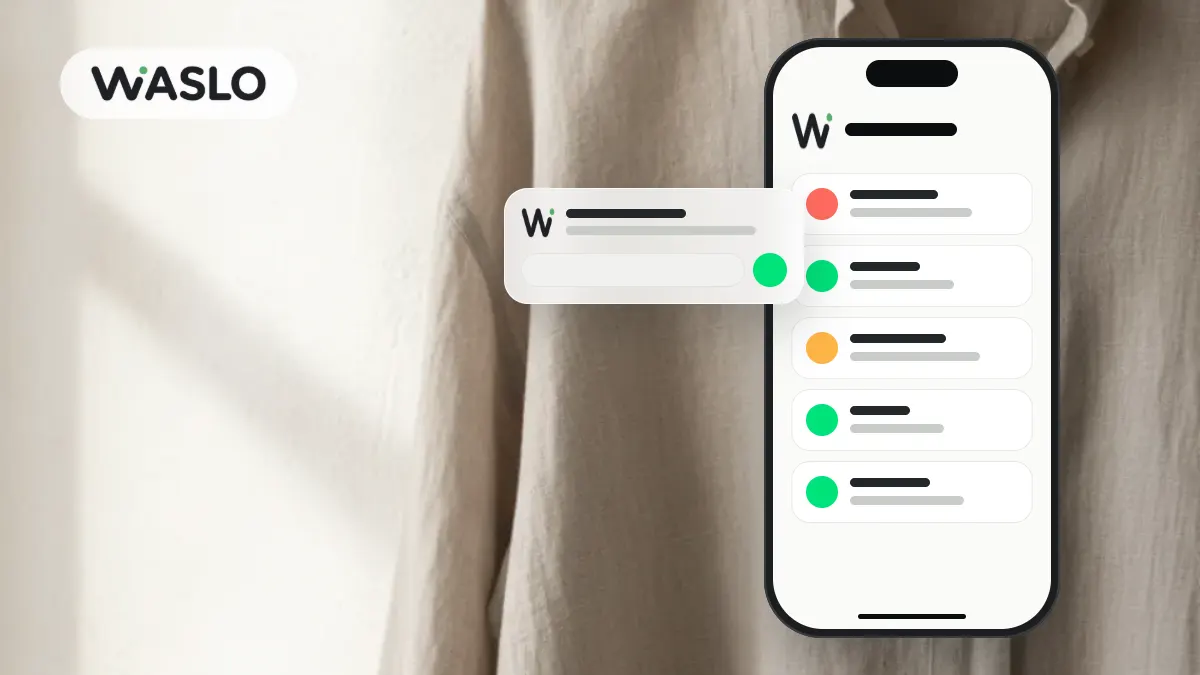
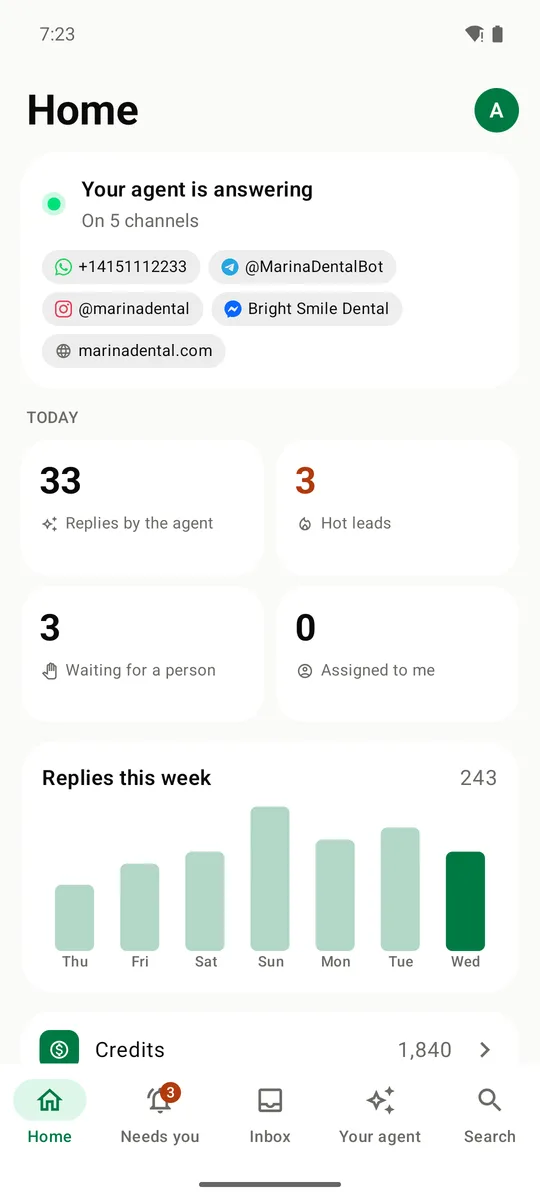
The Home screen shows whether the agent is answering, on which channels, and how the day is going. Needs you is the list that matters when you are away from your desk: each conversation appears with the reason it is waiting and how long the customer has waited.
You can turn phone alerts on or off for each of these moments:
- A customer asks for a person
- The agent does not know the answer
- A hot lead comes in
- A conversation is assigned to you
- A channel disconnects
Set quiet hours in the app, and your evenings stay yours. Tap an alert and you land in that conversation.
Step in, then step back
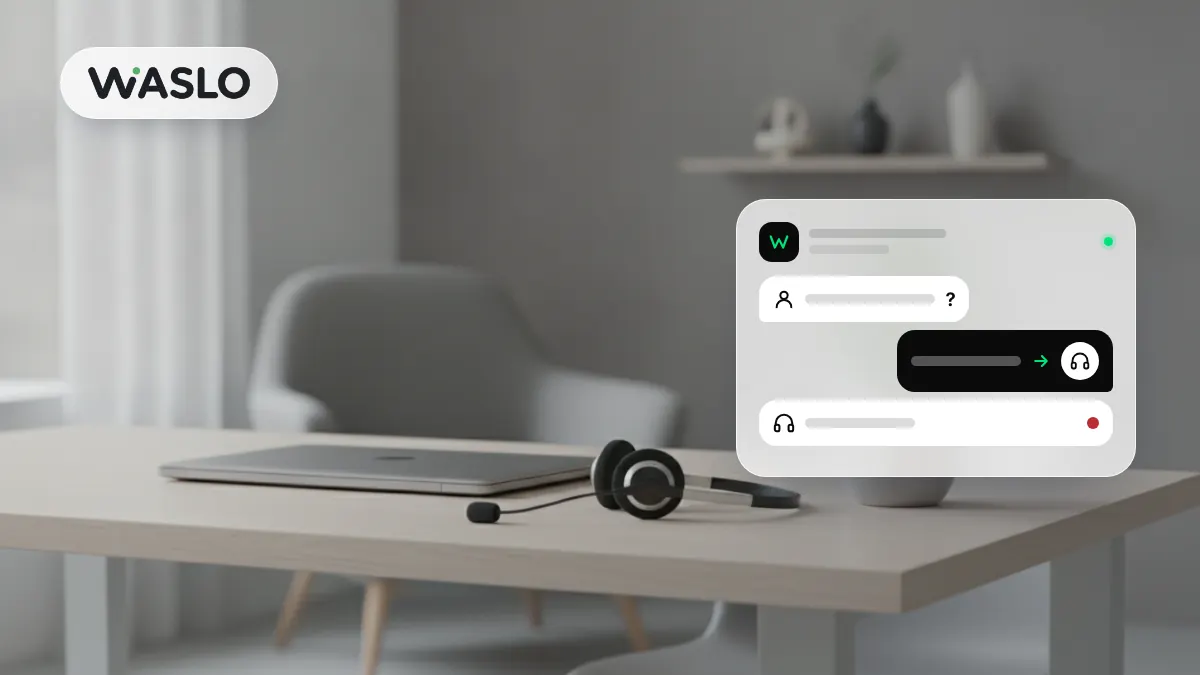
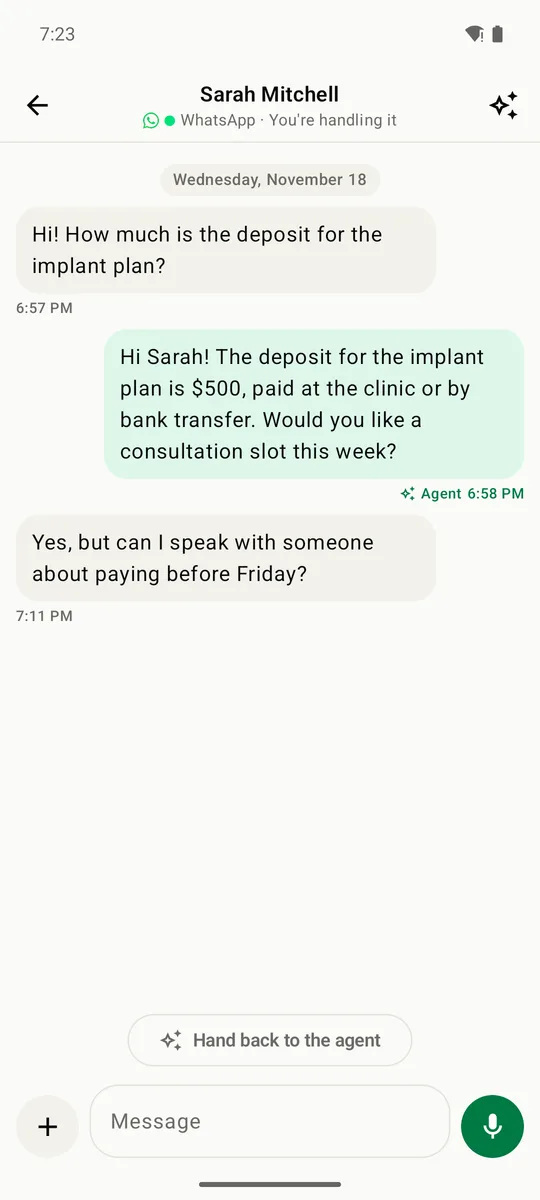
When a conversation needs you, take it over. The agent stops there while you reply with text, a quick reply, a product from your catalog, a photo or a voice note, depending on the channel. When you are done, hand it back and the agent continues.
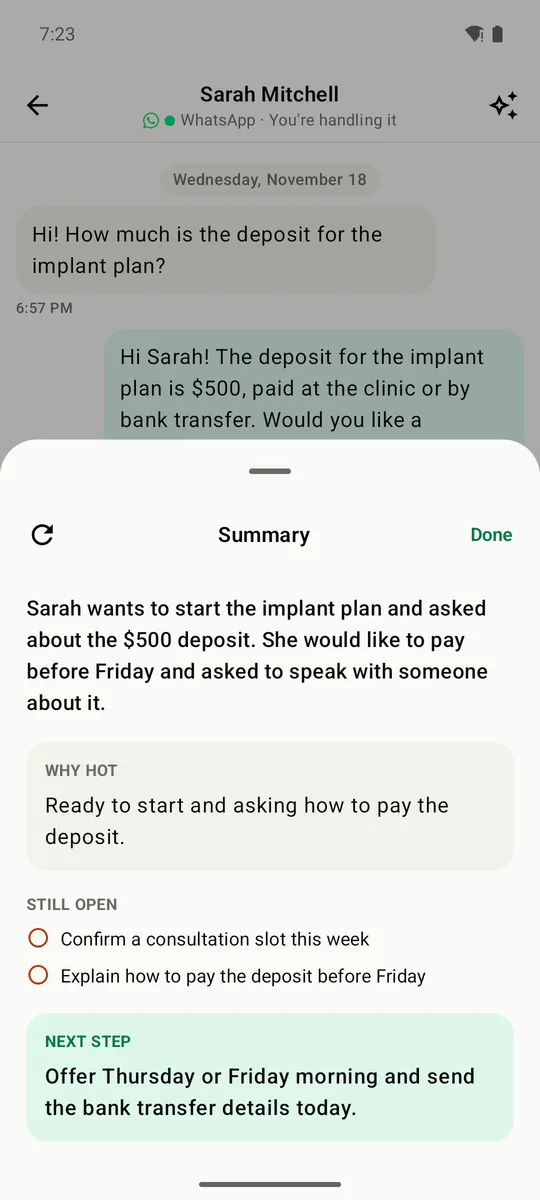
Joining a long conversation? Open the AI summary to see what the customer wants, what is still open and the suggested next step.
Your agent, in your pocket
The app is more than an inbox. You can adjust the agent's instructions and reply language, manage what it knows and the products it can share, and set how it hands off, follows up and scores leads. You can also buy credits or subscribe to Growth through Google Play.
A few big-screen pages, such as the website chat installer and detailed analytics, stay on the computer. The app can email you the link.
Bring your team
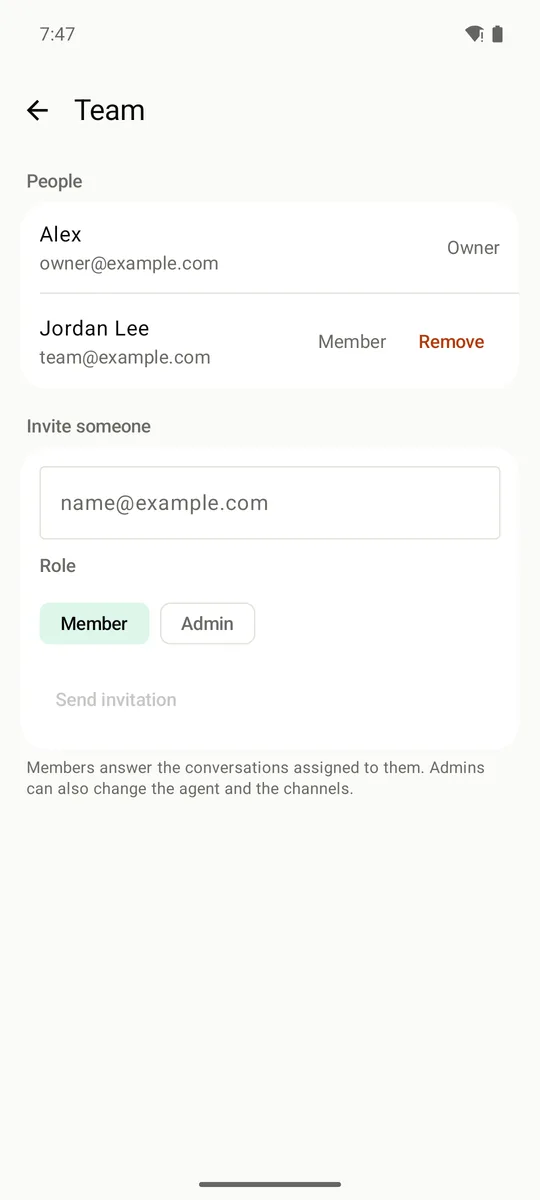
There is no seat limit, so everyone who talks to customers can have the app. Invite them by email from Account → Team, as a member or an admin. Each person signs in with their own account on their own phone.
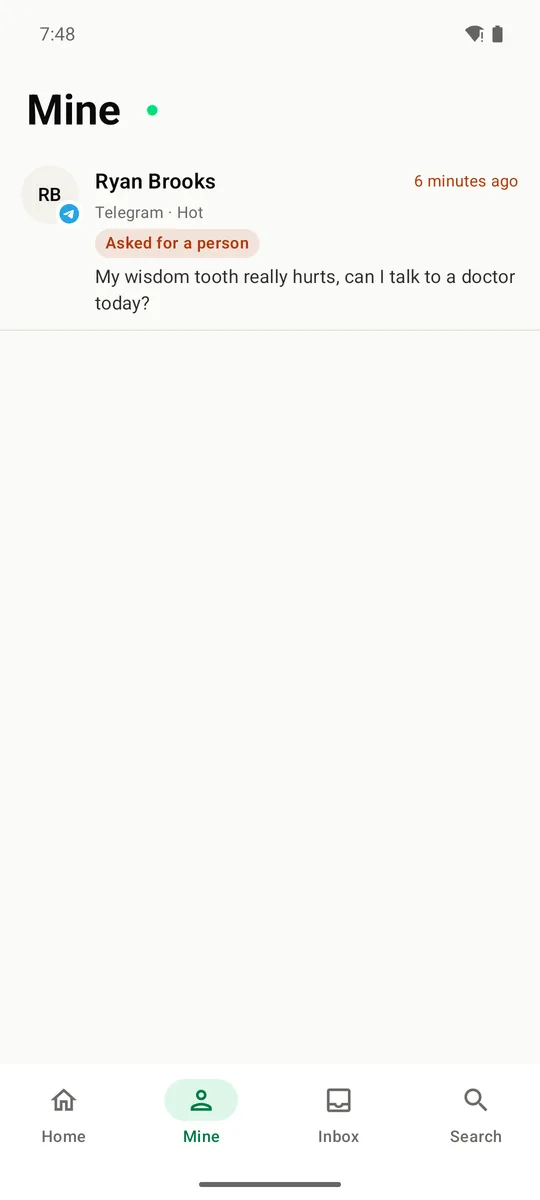
Members get Mine, the customers assigned to them, with alerts for those conversations. Owners and admins assign customers from inside the conversation and still see the whole workspace.
Get started
Download Waslo for Android, then read the app guide for the details.
About the author

Sales & Content Writer
Walks new businesses through what Waslo can and can't do for them, and writes our blog.
Reviewed by Ahmad Kadourah · Founder & CEO
Frequently asked questions
Is the Waslo Android app free?
The app is free to download. Replies use your Waslo credits or your Growth plan, the same as on the web.
Can I create an account in the app?
Yes. You can sign up with Google or with your email and password, or sign in to the account you already use on waslo.io.
Is there an iPhone app?
Yes. Waslo for iPhone has been on the App Store since November 2026, for iPhone and iPad with iOS 26 or newer. It offers the same setup, alerts and conversations as the Android app.
Which channels can I answer from the app?
Every channel connected to your workspace reaches the same inbox: WhatsApp, Telegram, Instagram, Messenger, email, Outlook and website chat. Photos and voice notes depend on the channel.
Can my team use it?
Yes, with no seat limit. Owners and admins invite people from Account → Team. Each member signs in with their own Waslo account. Owners and admins can receive every alert, and team members are alerted about conversations assigned to them.
Set this up in Waslo
The step-by-step guides for what this article describes.